Multi-Site Homelab Infrastructure
Four environments—office, home, public cloud and a dedicated M1 agent node—connected through Tailscale, with separate roles for self-hosted services, public workloads and agent operations.
- Year
- 2026
- Role
- Builder and operator
- Status
- Ongoing
The brief
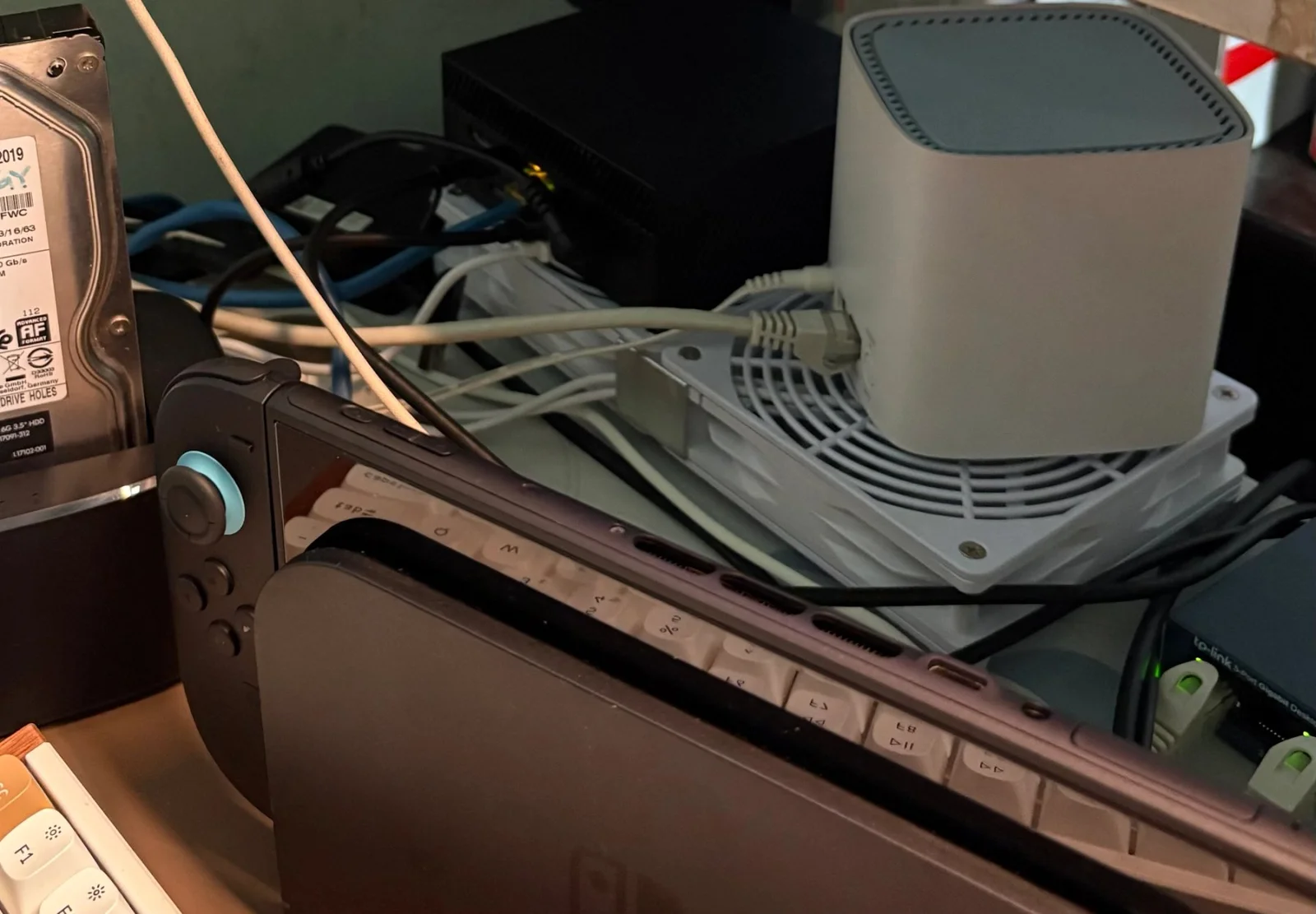
I started with repurposed hardware and a practical goal: run useful services while keeping the home and office networks private.
The setup now spans four environment roles. An office Proxmox host separates DNS, monitoring and utilities into containers. A Debian machine at home runs personal storage and other self-hosted services. A small cloud host carries internet-facing workloads. A dedicated M1 MacBook Air runs the Agent Kimchi gateway under its own account and service supervisor. Tailscale connects the environments while each retains its own storage, operating system and service boundaries.
The M1 deployment was checked again in September 2026. The project is ongoing: operating the system, recovering from failures and improving its resilience are part of the work.
My role: Builder and operator.
System map
Read the text schematic
OFFICE · Proxmox host
Containers for recursive DNS, monitoring and utilities
Pi-hole + Unbound provides the documented tailnet resolver

HOME · Debian host
Docker Compose services for personal storage and utilities
External storage for photos and files

PUBLIC CLOUD · separate host
Internet-facing services with a constrained footprint
Bounded diagnostics for the operations agent

AGENT NODE · M1 MacBook Air
Dedicated account and supervised Agent Kimchi gateway
Private administration over Tailscale

TAILSCALE MESH
Connects the four environments and personal devices
Distinct service, storage and administration boundaries

Topology documented in August 2026; M1 deployment rechecked in September 2026.
The decisions
Proxmox over bare-metal Docker
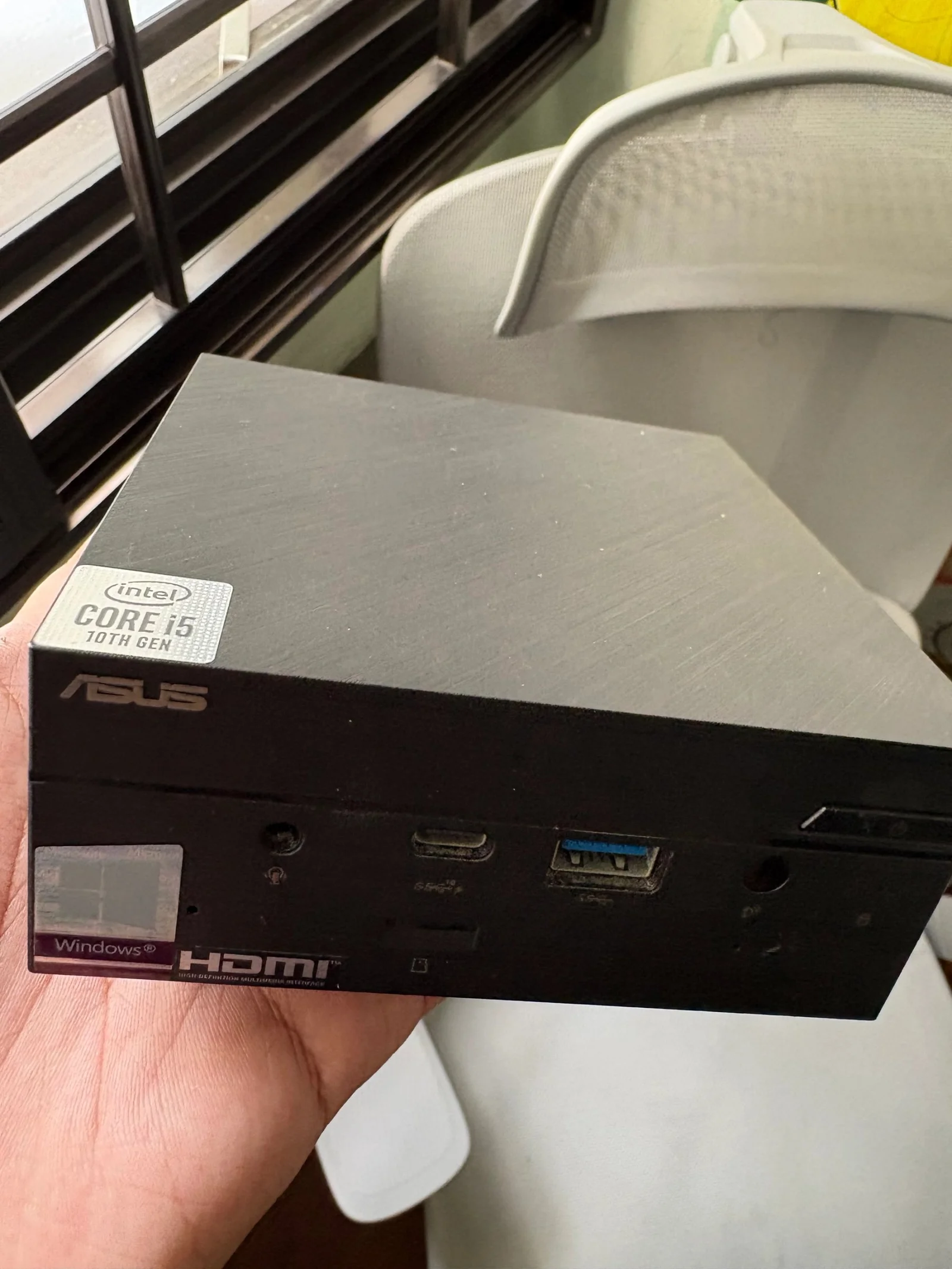
LXC containers create separate service boundaries with low overhead on repurposed office hardware.
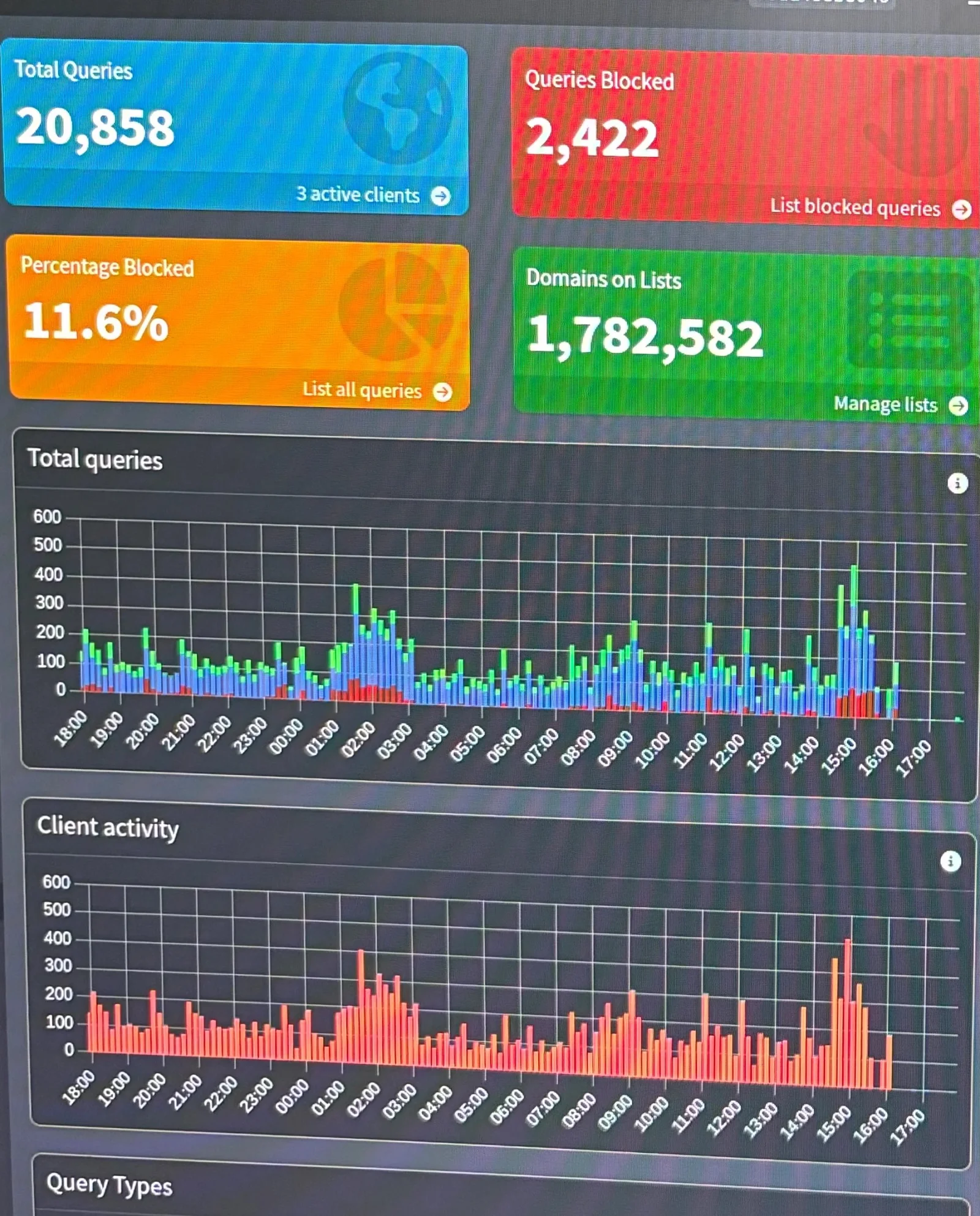
Pi-hole + Unbound recursive DNS
Unbound resolves recursively rather than forwarding every query to one public resolver. That reduces dependence on a single resolver; it does not make DNS activity invisible to third parties.
Tailscale over a traditional VPN
Zero-trust mesh networking. Tightened subnet routes from /22 down to individual /32 addresses for least privilege, and ran an exit node for encrypted browsing on public WiFi.
Nginx Proxy Manager for clean access
Domain-based access instead of IP:port. Picked up websocket proxying, SSL termination, and how nginx configs get generated under the hood.
Debian 12 headless on the home node
Lightweight, stable, minimal attack surface. No GUI overhead on an 8GB machine running a stack of Docker services.
Immich over Google Photos
Self-hosted photo backup with phone auto-upload, stored on an external HDD rather than the boot SSD. Face recognition and timeline features hold up against the original.
Nextcloud, deliberately lightweight
Disabled every unnecessary app, kept only Files and Mail, ran SQLite instead of a full database, and used rclone for bulk uploads instead of the sync client.
Glance over Grafana or Homepage
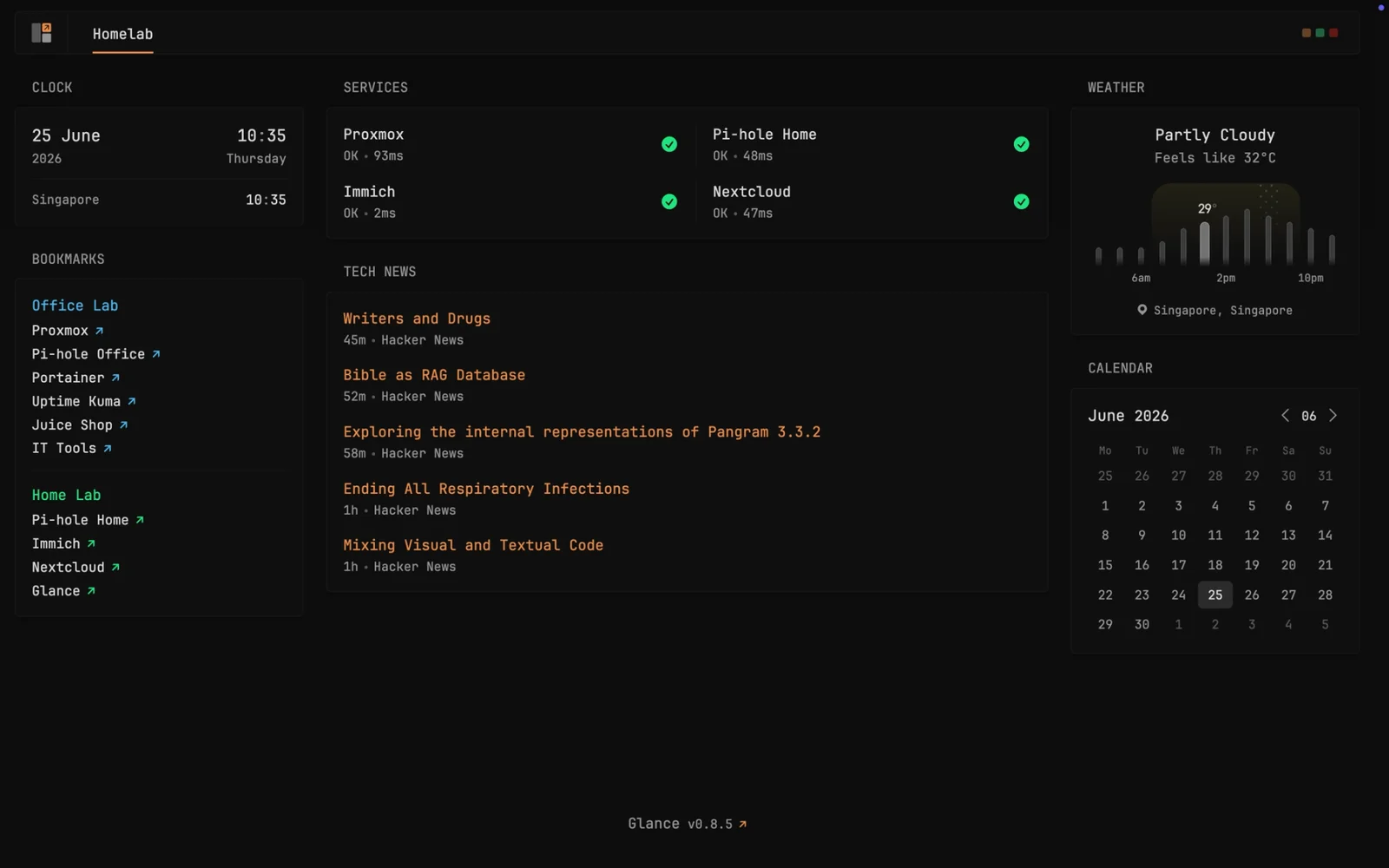
Chose the lightest dashboard (~15MB RAM): real-time service health, weather, RSS, and bookmarks to every service across both sites.
Self-host passwords with Vaultwarden
Moved my password vault off a third-party service onto the home box, on the same external drive as photos and files. My credentials now live on hardware I control.
Keep the public node small and read-only
Internet-facing services run separately from the self-hosted sites. A read-only diagnostic allowlist limits what the operations agent can change; it does not make a compromised host incapable of disclosure.
A dedicated M1 agent node
Run the gateway under a dedicated account with service supervision and private administration, separate from the home storage host.
Evidence
The hard part
Reverse proxy configs silently not generating
SymptomProxy hosts showed 'Online' in the UI, but hitting the domain returned the default page.
CauseThe container's disk was 100% full. The proxy manager wrote entries to its database but couldn't generate the nginx .conf files.
FixPruned unused Docker images to free space and pinned the proxy manager to a known-good version that behaves inside a container.
LessonDisk monitoring on containers is critical. Silent failures are the hardest to debug.
SSD I/O errors corrupting the filesystem
SymptomBasic commands like df -h returned 'Input/output error'. SSH stayed up but nothing worked.
CauseA 7-year-old SSD with 25% life left and 173 unsafe shutdowns; the kernel had remounted the filesystem read-only to limit damage.
FixA physical reboot triggered fsck and repaired the filesystem; added smartctl health monitoring afterwards.
LessonAlways check drive health on second-hand hardware, and set up monitoring before it fails, not after.
Subnet overlap between the two sites
SymptomThe home node couldn't reach the primary node's containers over Tailscale subnet routes.
CauseBoth networks used the same private IP range, so local routing won over the Tailscale tunnel.
FixUsed Tailscale device addresses for monitoring to avoid the overlapping subnet routes. Renumbering was identified as the longer-term remedy during that incident.
LessonPlan IP addressing across sites before deployment. Subnet overlap is a classic multi-site VPN gotcha.
Tailscale DNS breaking home browsing
SymptomAfter installing Tailscale on the home desktop, browsing stopped but pinging IPs still worked.
CauseTailscale overrode DNS to the primary Pi-hole only, which the desktop couldn't reach until the tunnel was up. A chicken-and-egg loop.
FixDuring the original setup, I added a second resolver path to restore browsing. The current topology documents the office Pi-hole and Unbound resolver; ongoing DNS redundancy has not been verified.
LessonTest how DNS behaves when a site or tunnel is unavailable, and keep the current resolver topology documented.
UFW blocking Docker networking
SymptomContainers couldn't pull images and Pi-hole couldn't answer local queries.
CauseUFW's default-deny policy was dropping Docker bridge traffic and return packets.
FixAdded explicit rules for the docker0 and Tailscale interfaces.
LessonFirewalls and Docker have a complicated relationship; host networking bypasses Docker's port mapping and needs its own rules.
A missing drive took down photos and files
SymptomAfter the external drive was unplugged, Immich went into a crash loop and Nextcloud started returning 403s.
CauseBoth services keep their data on that drive at a fixed mount path. With the drive gone, Immich could not find its data marker and Nextcloud could not find its .htaccess, so both failed on start.
FixPinned the drive in fstab by UUID with nofail and a short device timeout, so a missing disk no longer blocks boot. Recovery is now a remount plus restarting the two containers.
LessonBind-mounting real data into containers makes that mount part of your uptime. Treat it like any other dependency.
Build fragments
Pi-hole + Unbound (docker-compose)
# docker-compose.yml - illustrative, values are placeholders
services:
  pihole:
    image: pihole/pihole:latest
    environment:
      TZ: "<your-timezone>"
      WEBPASSWORD: "<set-in-.env>"
      PIHOLE_DNS_: "unbound#<port>"   # forward to the local Unbound resolver
    volumes:
      - ./etc-pihole:/etc/pihole
    restart: unless-stopped

  unbound:
    image: mvance/unbound:latest
    volumes:
      - ./unbound:/opt/unbound/etc/unbound
    restart: unless-stopped
Illustrative Pi-hole and Unbound layout. Recursive resolution avoids forwarding every query to a single public resolver; it does not make DNS traffic invisible.
SSH + UFW baseline
# Hardened access baseline - generic, no real hosts
ufw default deny incoming
ufw default allow outgoing
ufw allow in on tailscale0                       # reachable over the mesh only
ufw allow from <tailscale-cidr> to any port <ssh-port> proto tcp
ufw --force enable

# Keys only, no passwords
sed -i 's/^#\?PasswordAuthentication.*/PasswordAuthentication no/' /etc/ssh/sshd_config
systemctl restart ssh
Illustrative access baseline for a Linux host administered over Tailscale; individual hosts need rules suited to their services.
Results and limits
Outcomes
- Four environment roles connected through Tailscale with distinct service and storage boundaries.
- Office DNS, monitoring and utilities run in Proxmox containers.
- Personal photos, files and services run on the Debian home host.
- Public workloads are separated onto a small cloud host.
- A dedicated M1 node runs the supervised Agent Kimchi gateway.
- Recovery work has covered disk, routing and storage-mount failures; resilience remains ongoing work.
Guardrails
- Private administration through Tailscale, with public workloads separated from the self-hosted sites
- SSH keys, host firewall rules and login protections form the documented access baseline
- Unattended security updates on the Debian host
- Narrow Tailscale subnet routes limit network reachability
- Pi-hole filtering and local recursive resolution through Unbound reduce reliance on one public DNS resolver
- A bounded diagnostic allowlist limits the operations agent; host security still depends on credentials, configuration and maintenance
- A dedicated account and service supervisor separate the M1 agent gateway from personal storage services